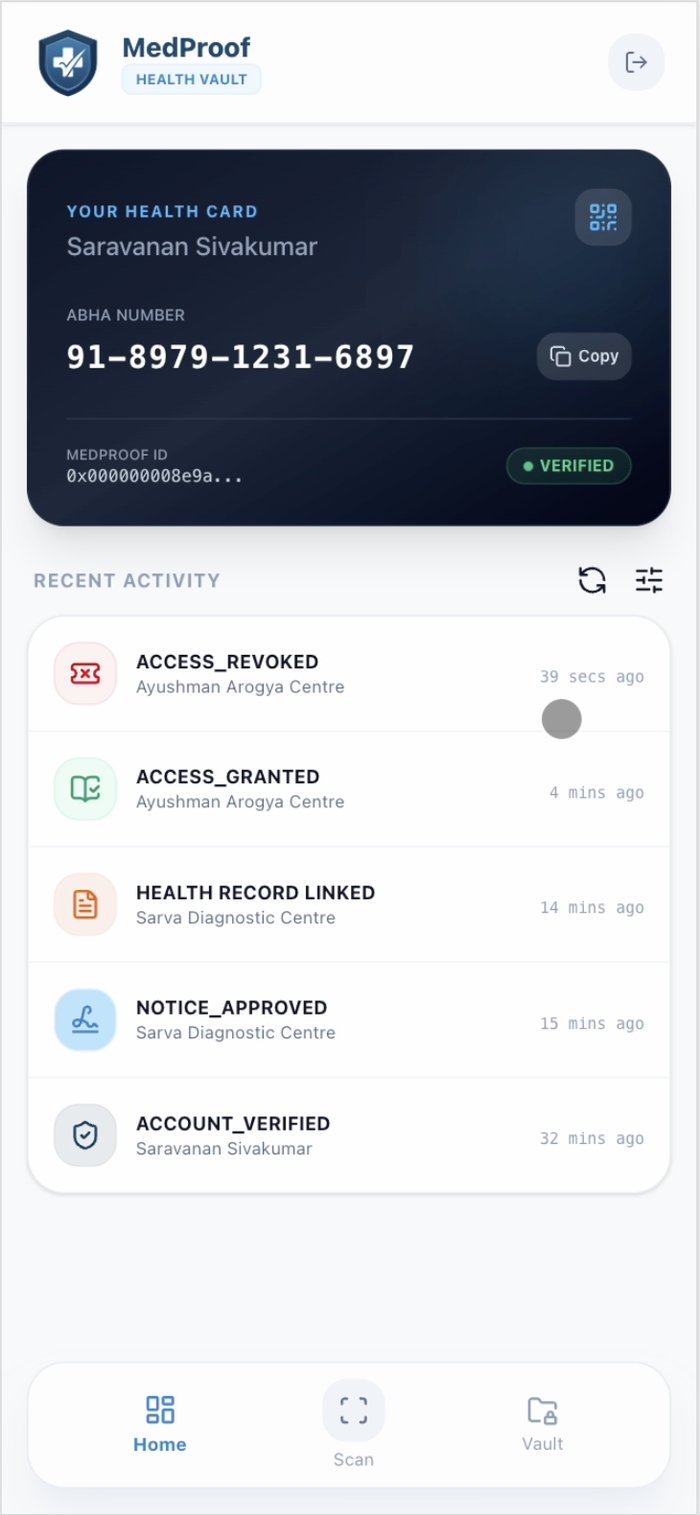
Your records, in your hands.
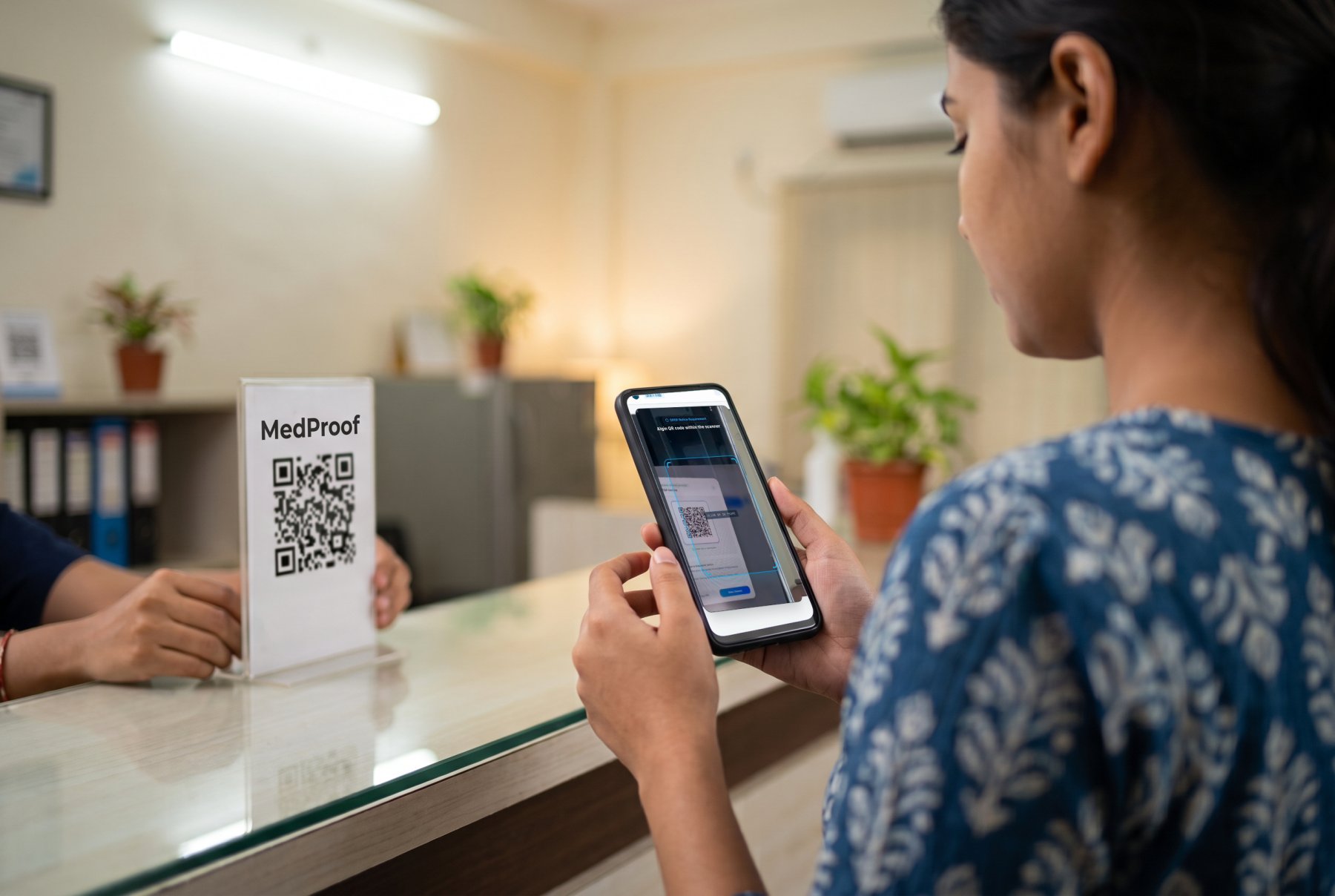
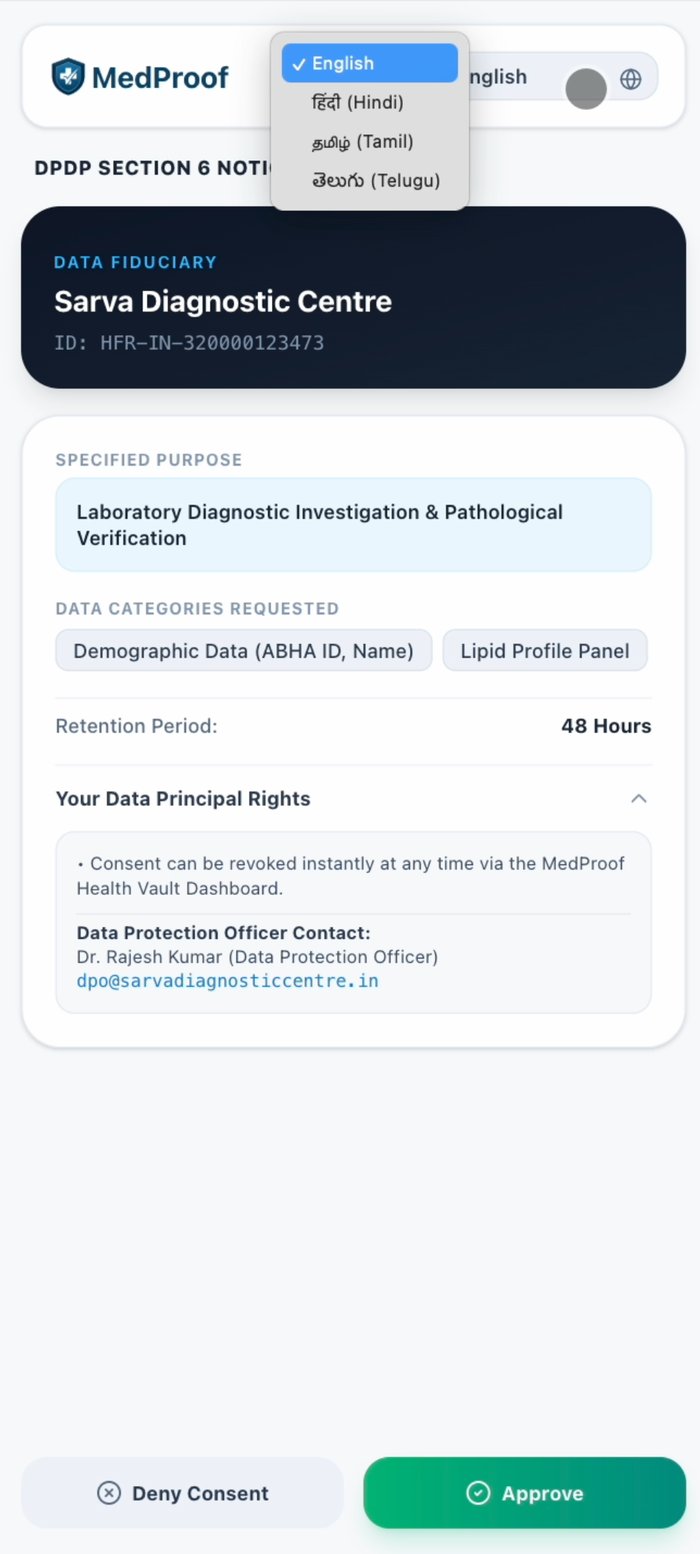
When you see the MedProof code at a lab or a clinic, scan it. You will see what they are asking for and why, in your language. Say yes, and the report comes to you. Say no later, and it stops.
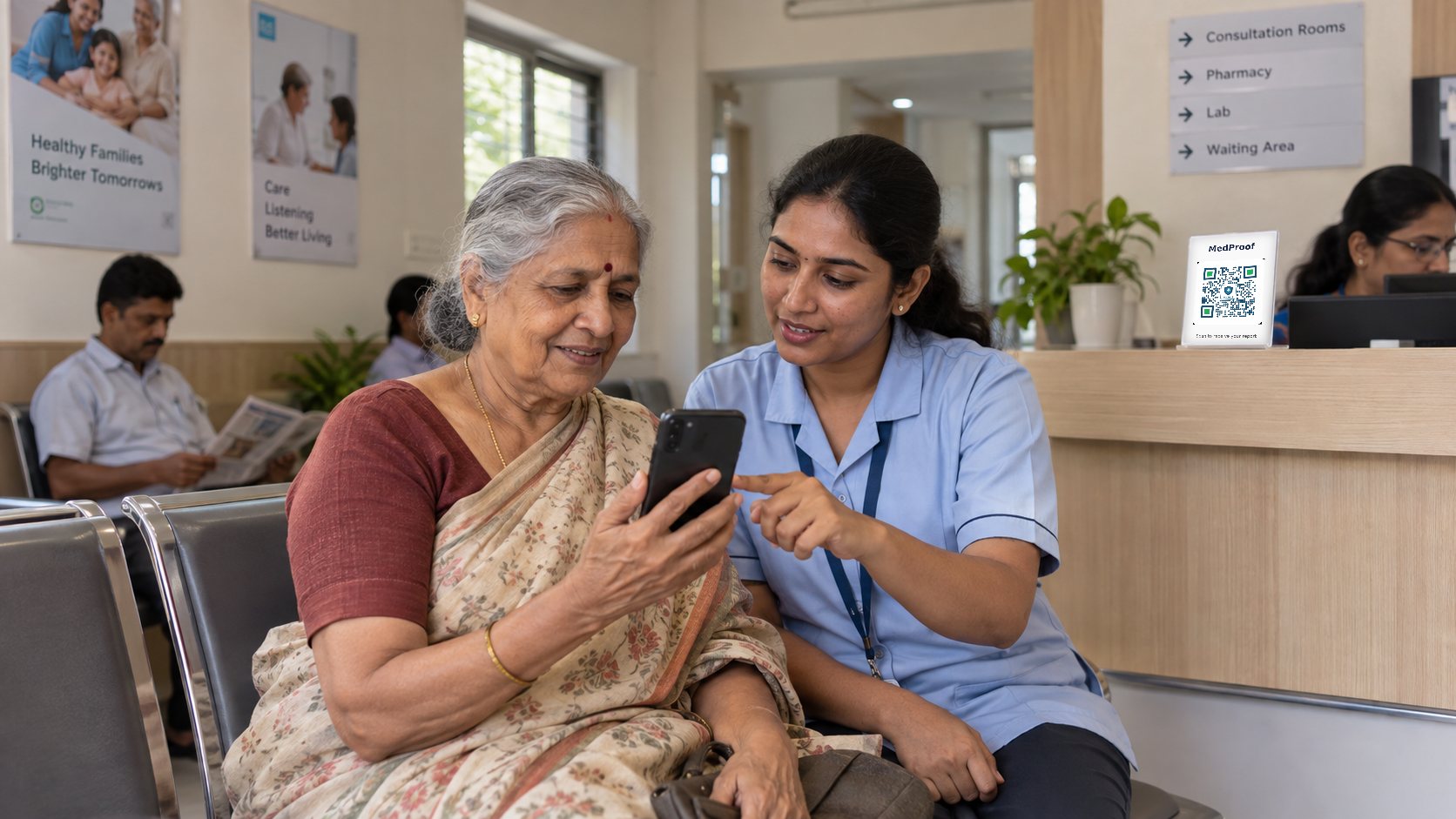
Nothing to install to start
You do not need an app for the first scan. Your phone's camera opens the notice. After you agree, you get an SMS or WhatsApp message with a link to your report and a button to withdraw. When you want everything in one place, install the MedProof wallet and it collects what you have already agreed to.
What you can do
- See every consent you have given, to whom, for what, until when.
- Share a record with a doctor for one visit. It closes when the visit is over.
- Withdraw any consent with one tap. The other side loses access.
- Keep your own copy on your phone or in DigiLocker. MedProof does not store your reports.
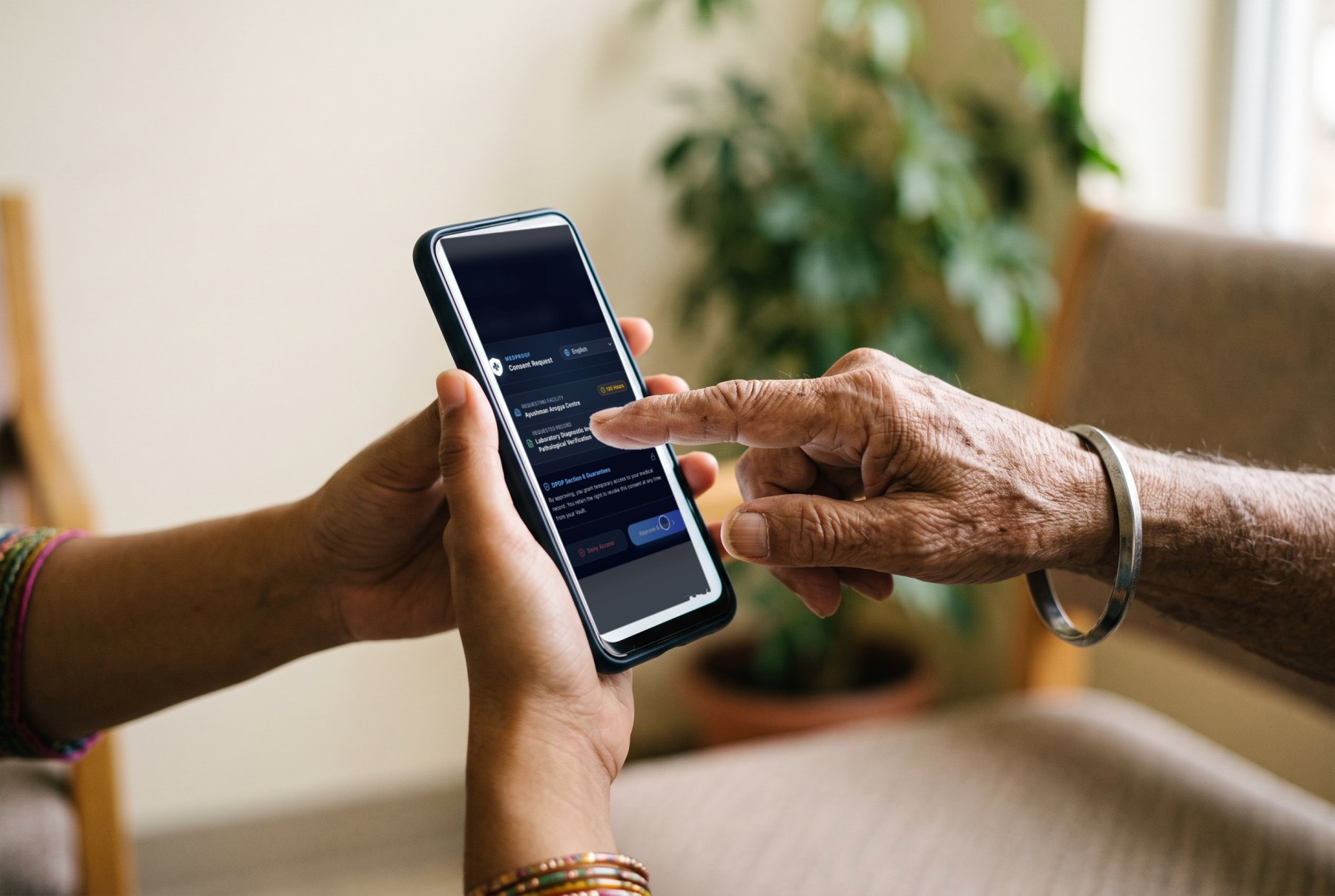
For the people you look after
A parent can scan for a child. A son or daughter can scan for a parent who does not use a phone. The consent records who acted and for whom, and the person it concerns can see it.
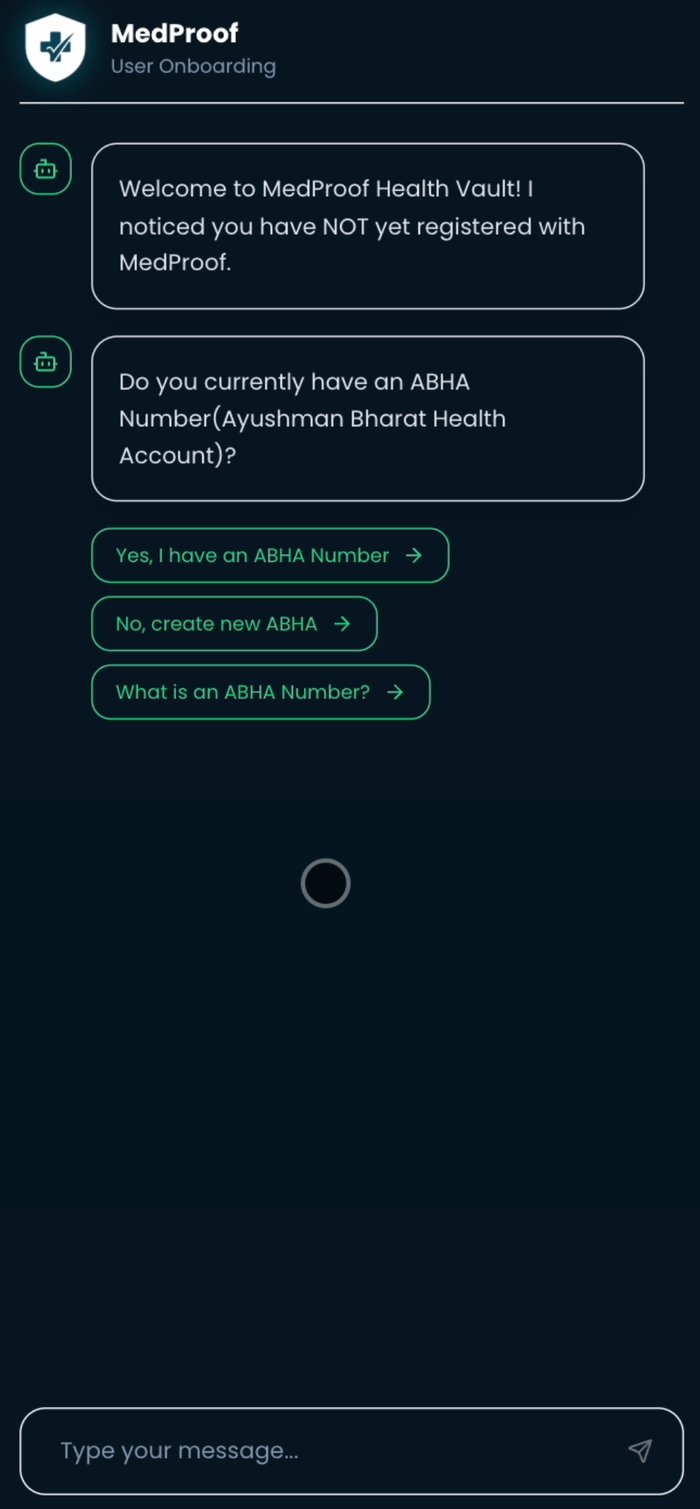
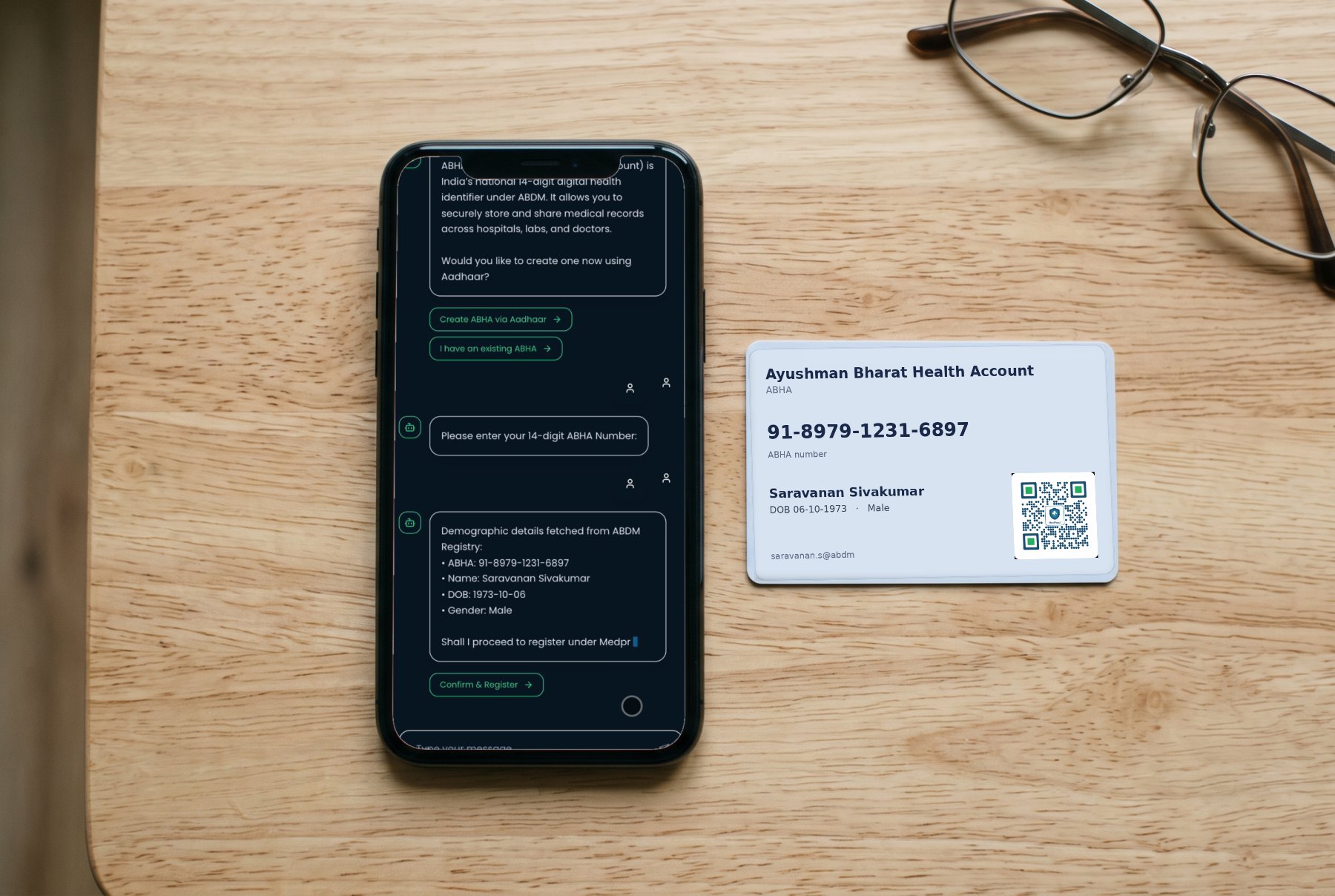
If you have an ABHA number
Link it in the wallet and your records can travel on the national health network too. If you do not, MedProof works without it.
Get the wallet
The MedProof wallet is coming to the App Store and Play Store. Until then, just scan the next MedProof code you see; your phone camera does the rest.